
To access your library account online:
Click the following link: https://ofml.booksys.net
In the upper right hand corner, click “Log on”
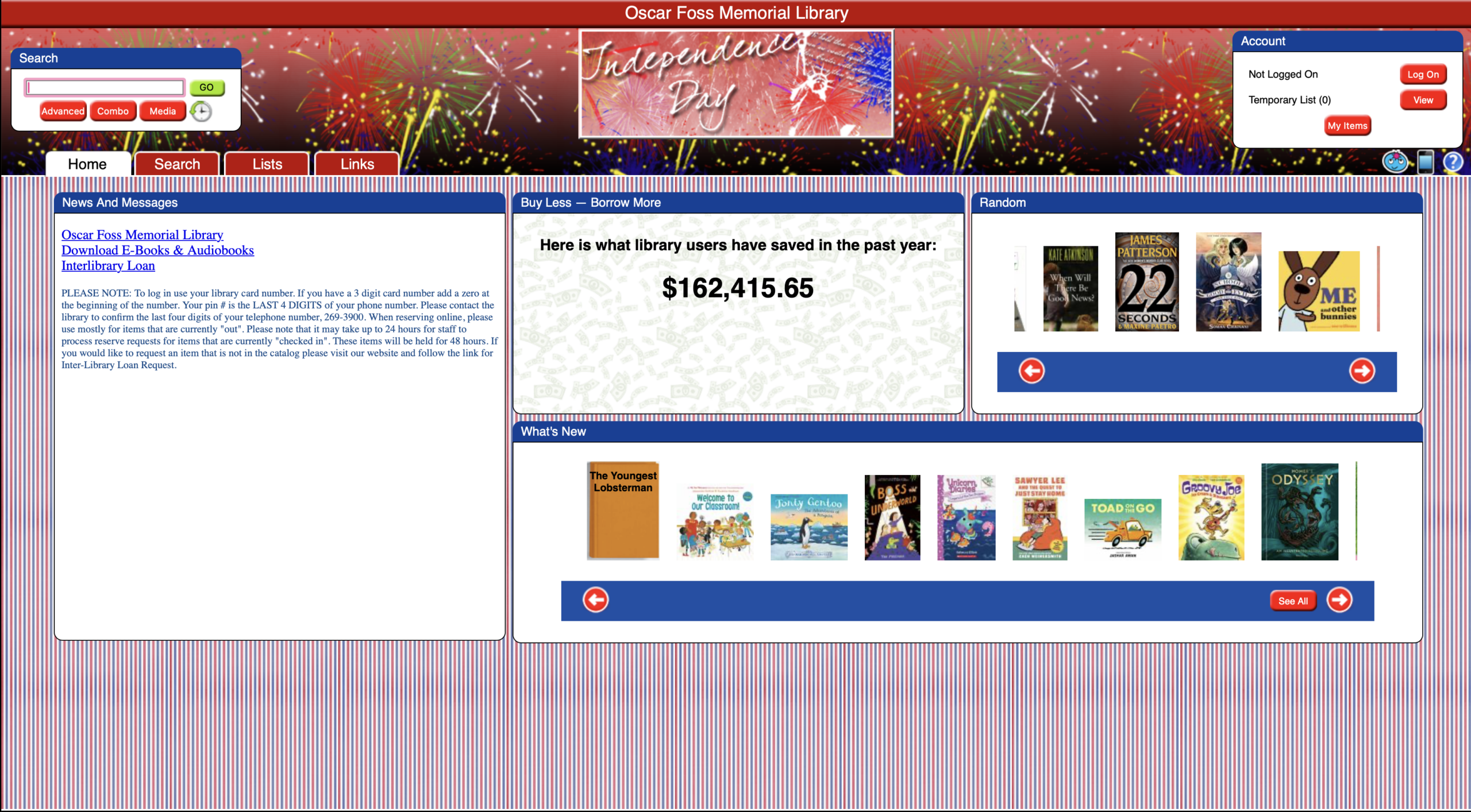
Enter your username (your library card number) and your password (the last 4 digits of the phone number on file.)
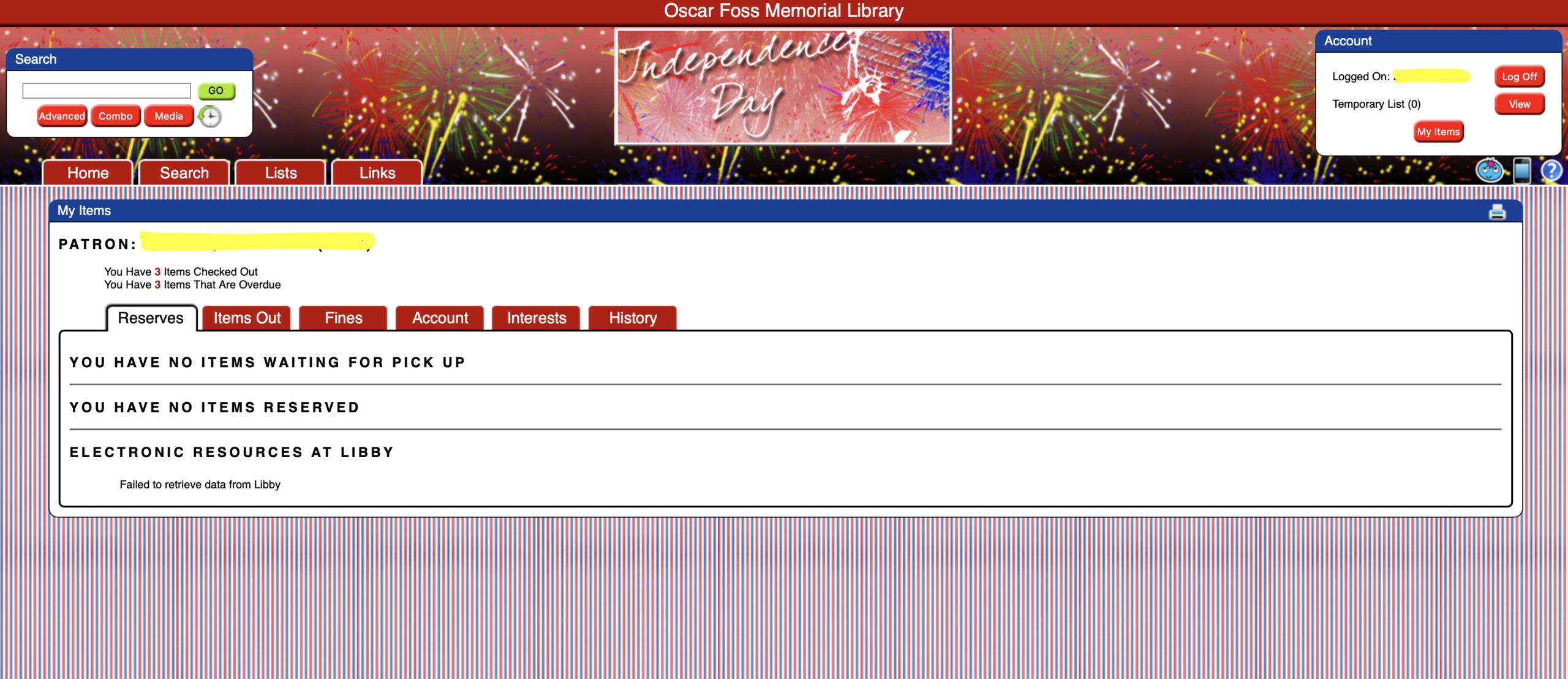
From this screen you should be able to see your account information.
If you would like to reserve a book to your account, follow these steps:
- Search for the book title you would like.
- Click on the listing for the book.
- In the upper right hand corner, click on the reserve button.
- The library will contact you when the book has been placed on the reserve shelf.
If you have any questions or need assistance, call 603-269-3900 or email ofmlstaff@gmail.com.